Every invoice has a status that shows where it stands, from draft to paid. Milo updates the status largely automatically, but you can also change it yourself.
The statuses
- Draft: not yet sent. You can still edit the invoice freely. A draft has no invoice number yet; see the article on invoice numbers and number series.
- Pending: sent to the customer and waiting for payment.
- Viewed: the customer has opened the invoice via the secure link.
- Expired: the due date has passed without payment.
- Reminder sent: you sent a payment reminder from Milo.
- Collection started: you moved the invoice to collections yourself.
- Paid: the invoice has been settled.
Changing the status
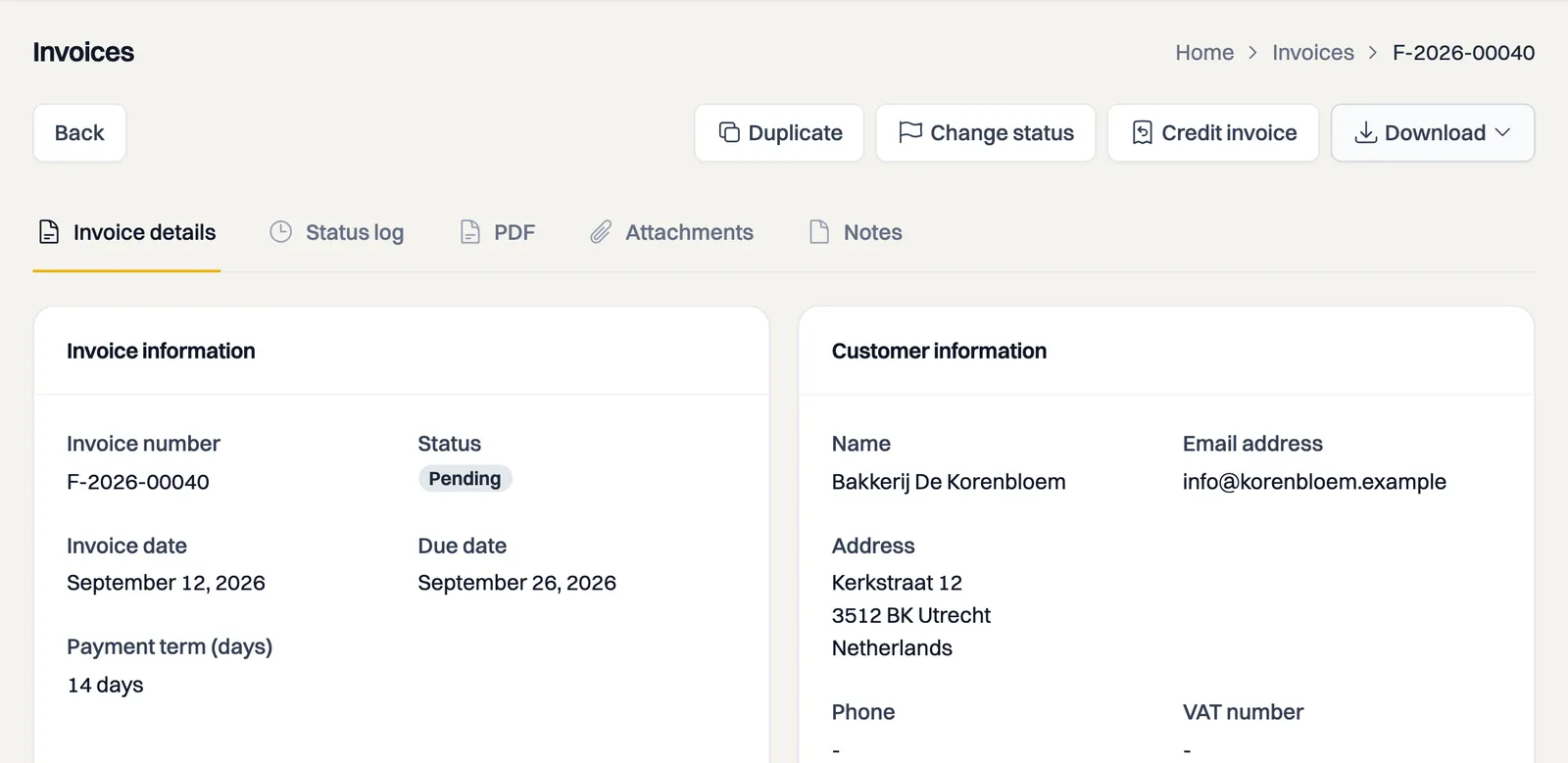
Most transitions happen by themselves: sending sets an invoice to Pending, the customer opening it to Viewed, and the due date passing to Expired. To change something yourself, use the Change Status button on the invoice. It only offers the steps that are possible from the current status, such as Mark as paid, Send reminder or Send to collections. Going back to Draft is not possible: once an invoice has been issued, it stays issued.
A draft offers one step: Send to customer. Use it when you sent the invoice outside Milo, on paper for instance. No email goes out, but the invoice counts as issued and gets its invoice number.
Status log
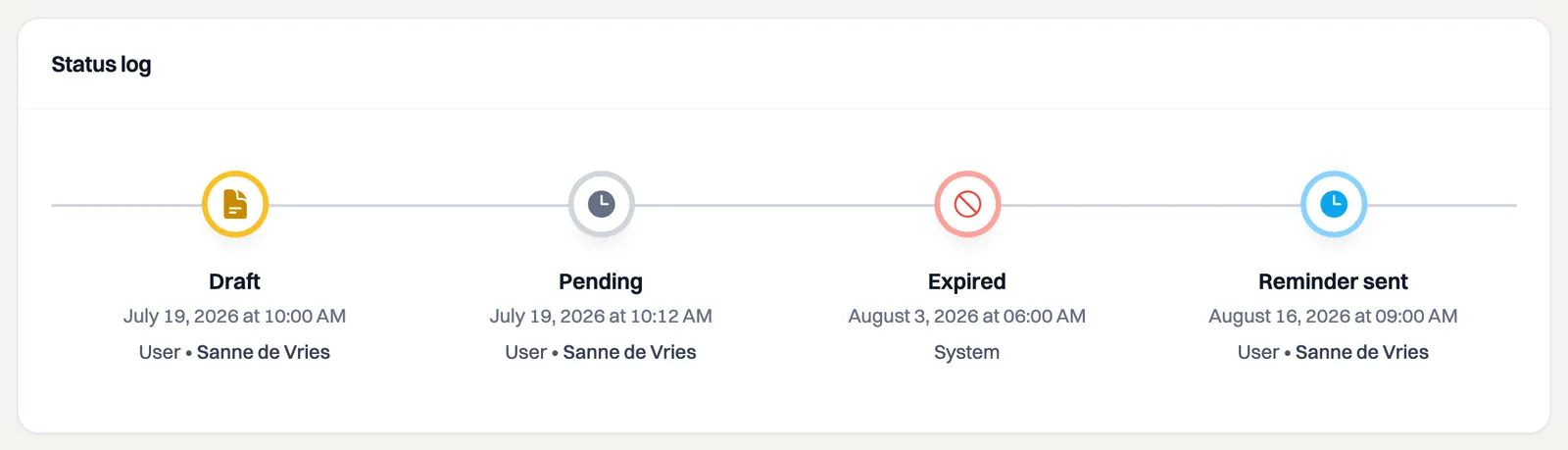
Under the Status log tab you see the full history of an invoice: every status change and every reminder sent, with date and time.
Credit notes
Besides regular invoices you can create credit notes, to correct an earlier invoice. A credit note has a shorter life cycle: Draft, Pending, Viewed, Paid and Revoked. Reminders, collections and a due date are not part of it. In the invoice overview, use the Document type filter to show Credit notes. The article on creating and managing credit notes explains how to credit an invoice in full or partially.
Still stuck? Ask Milo via the chat in the bottom right, or email [email protected].