Two-factor authentication protects your account with an extra layer. On top of your password, Milo asks for a 6-digit code from an authenticator app on your phone every time you sign in (log in). That way someone with only your password cannot get into your account.
Enabling two-factor authentication
Go to your profile and open the Two-factor authentication tab. Click Enable two-factor authentication and follow the steps:
- Authenticator app: install an authenticator app on your phone, such as Google Authenticator, Microsoft Authenticator or a similar app, if you don't have one yet.
- Scan QR code: open the app and scan the QR code Milo shows. Can't scan? Use the manual entry code instead.
- Password: enter your current password to confirm your identity.
- Verification code: type the 6-digit code from your authenticator app to verify the setup.
- Recovery code: Milo shows a recovery code. Save it in a safe place.
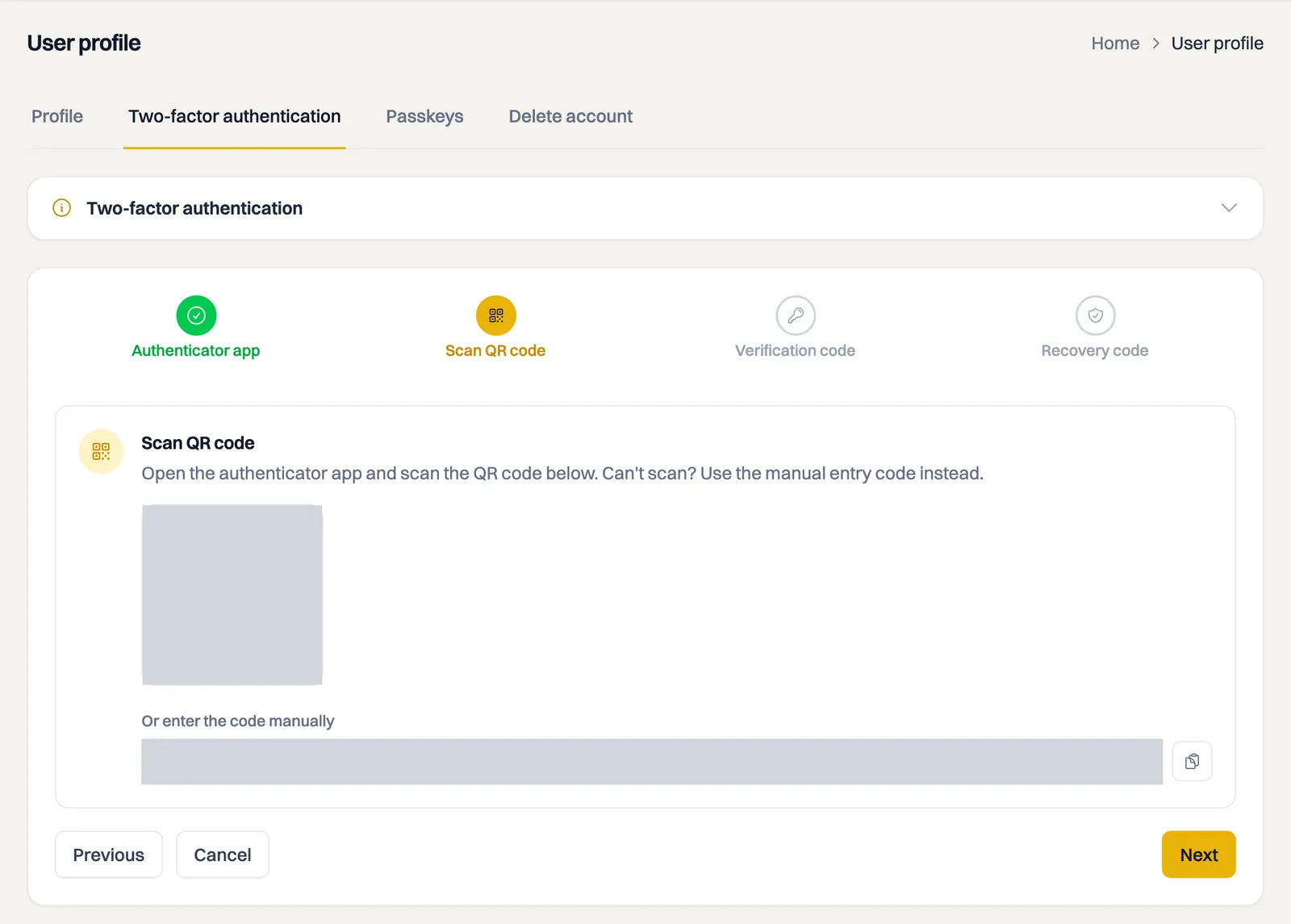
After these steps two-factor authentication is active and you'll see a message that your account is protected with an extra layer of security.
Save your recovery code
You need your recovery code if you lose access to your authenticator app, for example if your phone is lost or stolen. Write it down or store it somewhere safe and never share it with anyone. Without your app and without your recovery code you can no longer sign in.
Signing in with two-factor authentication
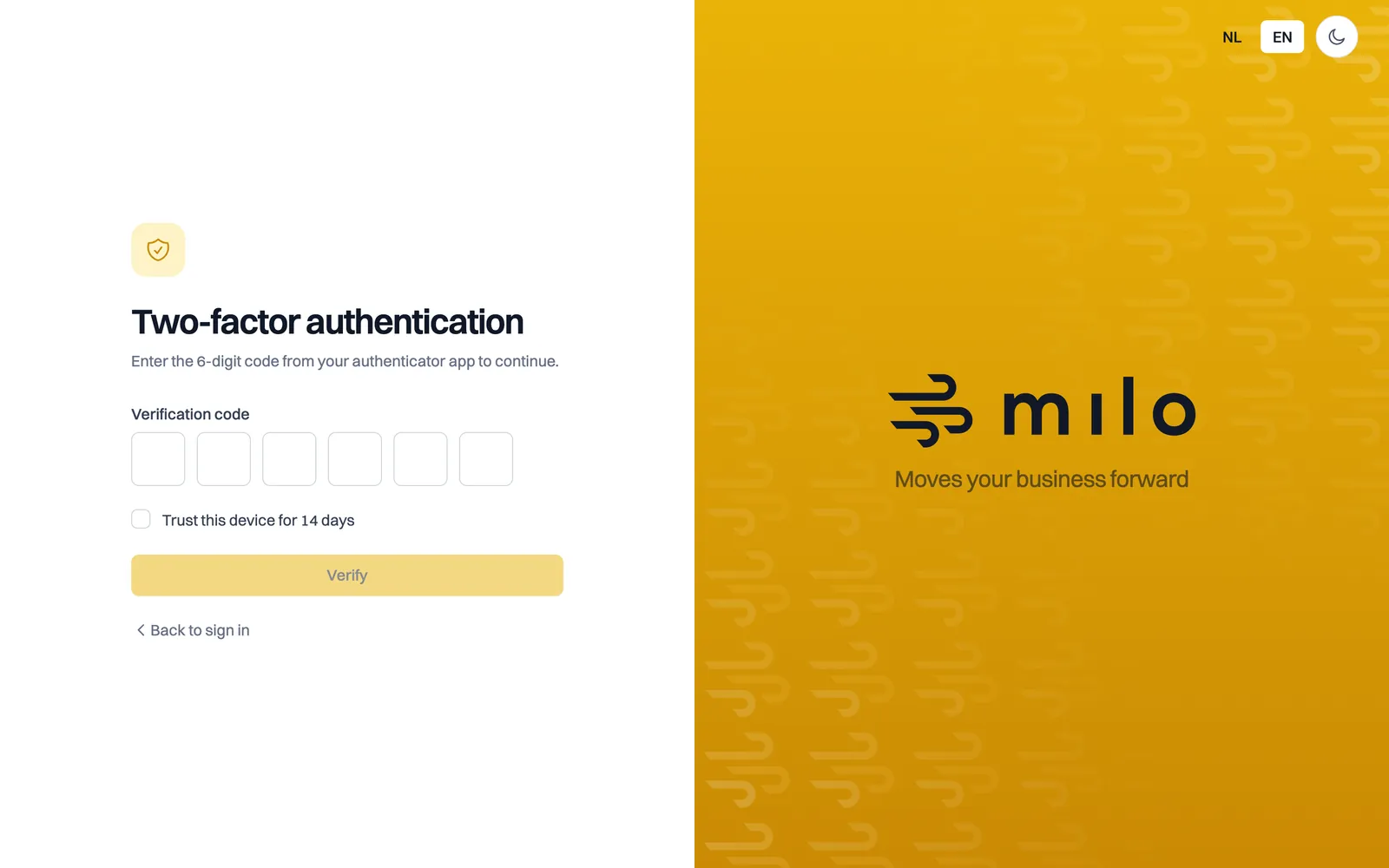
When you sign in, you first enter your email address and password. Milo then asks for the 6-digit code from your authenticator app. If you don't want to enter a code on every sign-in on a trusted device, enable Trust this device for 14 days. Besides two-factor authentication, you can also sign in with a passkey; see the article on signing in with a passkey.
Disabling two-factor authentication
Open the Two-factor authentication tab in your profile and click Disable two-factor authentication. To confirm, enter the 6-digit code from your authenticator app. The extra protection is then switched off; we recommend keeping it enabled.
Still stuck? Ask Milo via the chat at the bottom right, or email [email protected].